
The next cut is yours.
A native Windows video editor you can edit by hand or hand to an agent. Free and open source at launch.
Edit by hand.
Move a clip, trim a shot, play it back. Shape the rhythm by hand, with picture and sound together in the timeline.
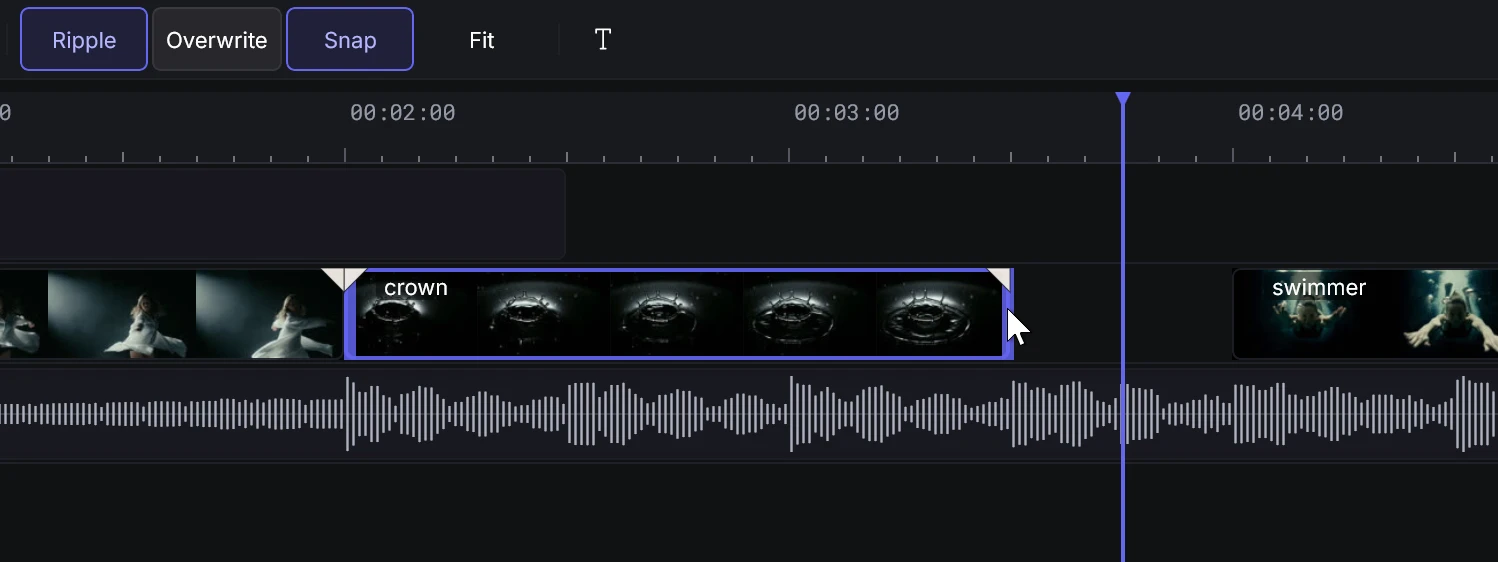
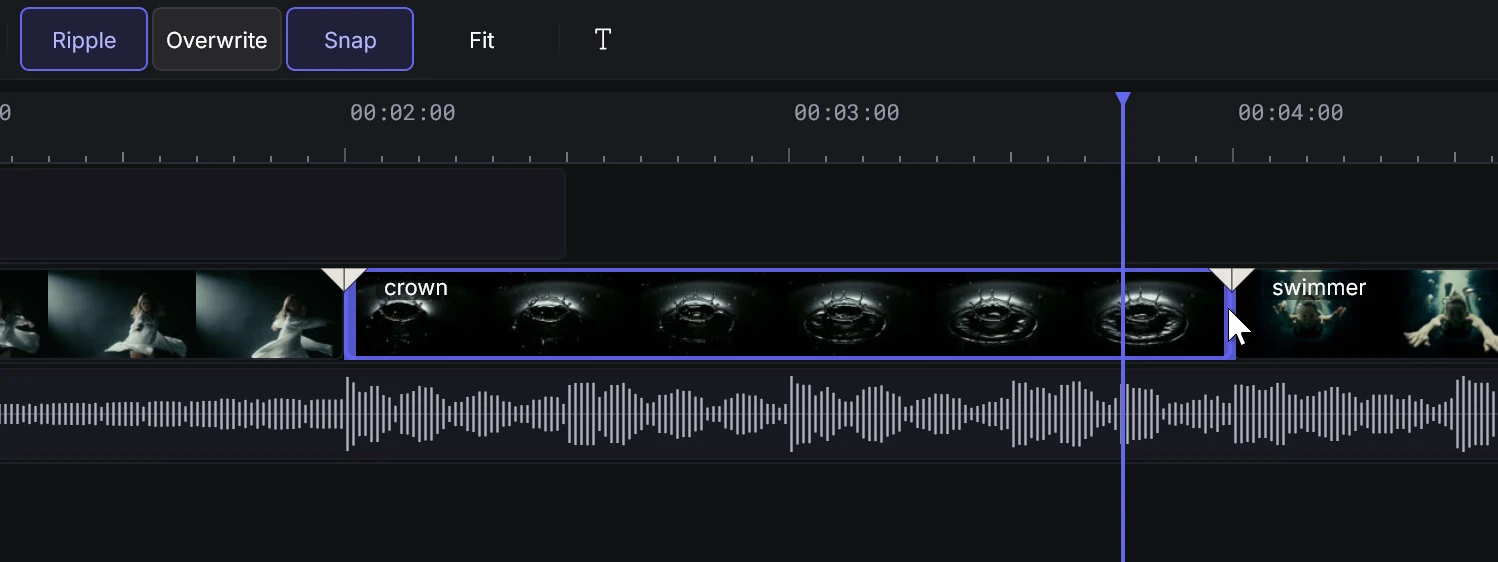
Place the cut.
Insert, overwrite, split and trim, with snapping and markers.
Shape the motion.
Keyframe position, scale, rotation, crop, opacity and volume.
Find the color.
Color wheels, curves and .cube LUTs, with grain, glow or a vignette.
Finish the film.
Export H.264, HEVC or ProRes at a preset, timeline or custom size.
Or hand it to an agent.
Six shots, cut on the beat. See the real MCP calls beside the timeline they changed.
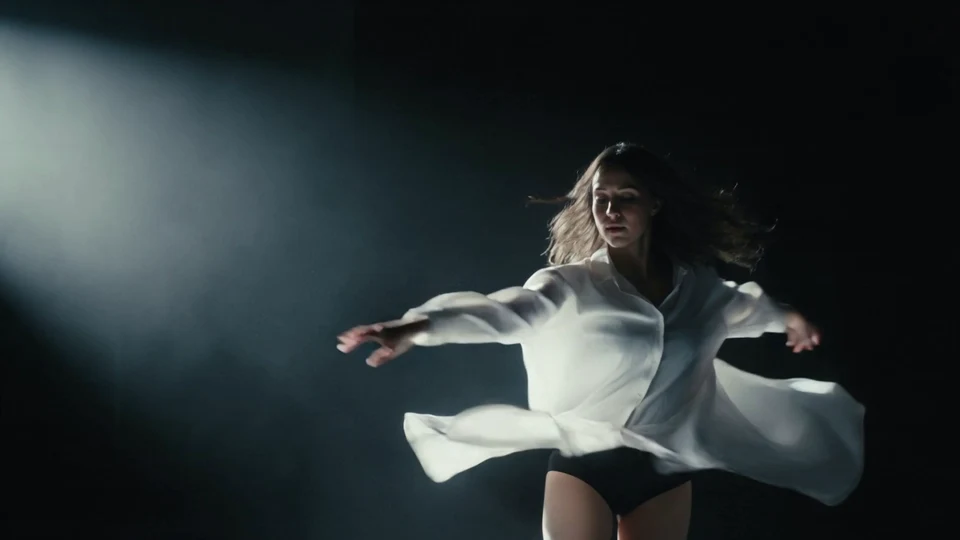
Dancer5 s 
Crown5 s 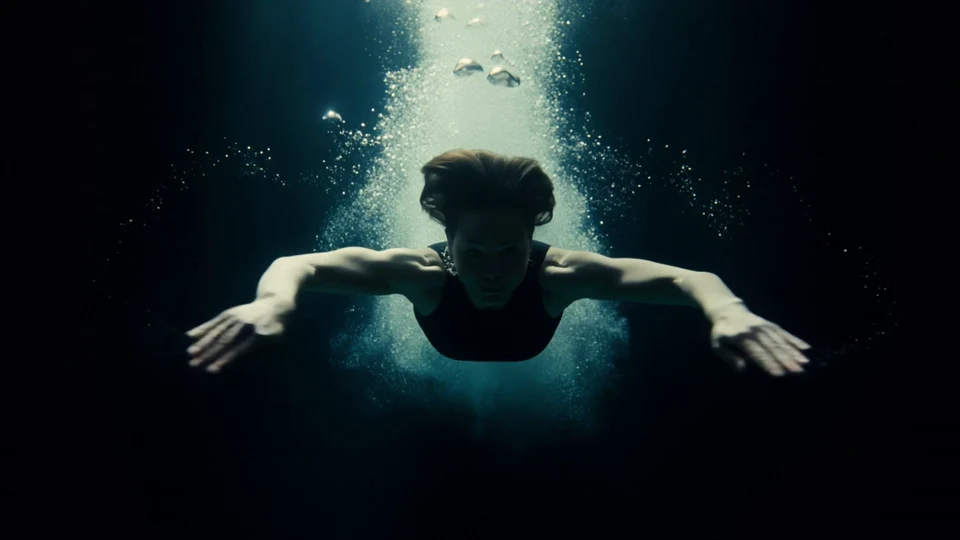
Swimmer5 s 
Boxer5 s 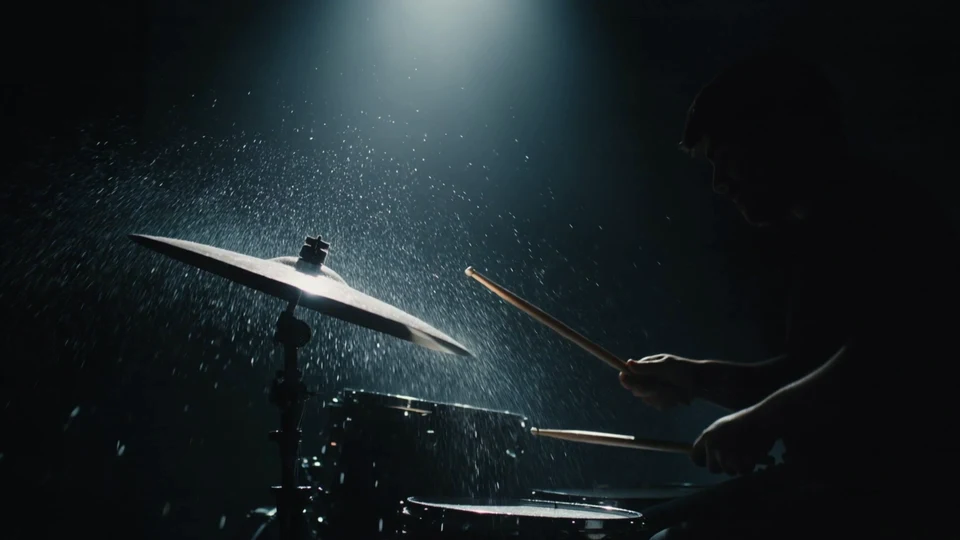
Cymbal5 s 
Rider5 s
Recorded request“Cut V1 on every beat. The score is 120 BPM, so every 12 frames.”
22 cuts8 calls









split_clips at frames 12, 24 and 36split_clipsV1 [12, 24, 36]11 mssplit_clipsV1 [60, 72, 84]4 mssplit_clipsV1 [108, 120]2 mssplit_clipsV1 [132, 156, 168]4 mssplit_clipsV1 [180, 204, 216]3 mssplit_clipsV1 [228, 252]2 mssplit_clipsV1 [264, 276, 288]3 mssplit_clipsV1 [300, 312, 324]25 ms
All eight calls and the full timeline
split_clipsV1 [12, 24, 36]11 mssplit_clipsV1 [60, 72, 84]4 mssplit_clipsV1 [108, 120]2 mssplit_clipsV1 [132, 156, 168]4 mssplit_clipsV1 [180, 204, 216]3 mssplit_clipsV1 [228, 252]2 mssplit_clipsV1 [264, 276, 288]3 mssplit_clipsV1 [300, 312, 324]25 ms
76 editing tools.
Import, trim, color, caption and export. Temno gives agents concrete editing operations.
A local connection.
MCP runs on your PC and requires a token. Setup is in Help → MCP Instructions.
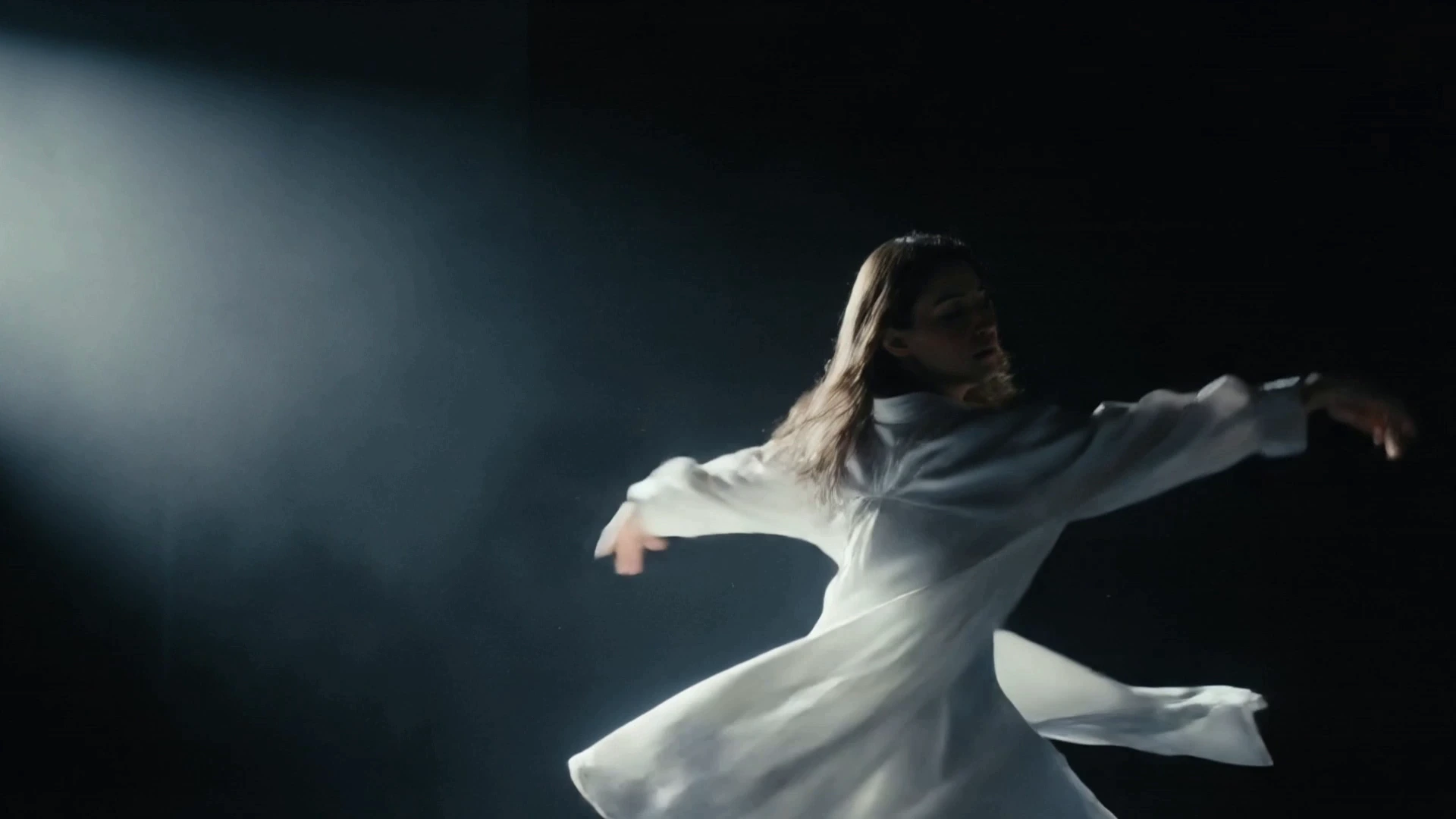
Deeper blacks. Warmer skin.
A touch of indigo in the shadows changes the feel of the frame. This grade came from one apply_color call in Temno.

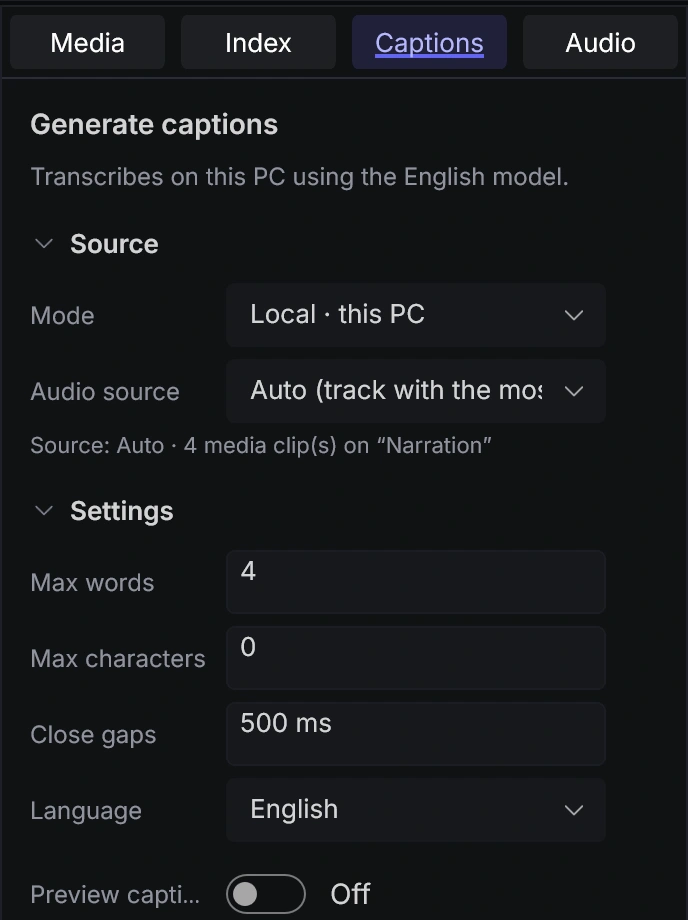
See every word land.
Turn English speech into captions that light up word by word. Whisper transcribes on your PC, without uploading your audio.
At home on your PC.
Your project lives in a plain folder on your PC. Editing, preview and export run there too.
- Your projects
- Plain .temno folders on your PC
- The editor
- Will be free, with no account required
- Tested on
- Windows 11, 64-bit
- Source
- Open source at launch, under GPL-3.0
More specifications
- App
- WinUI 3 · C# · .NET 8
- Video export
- H.264 · HEVC · ProRes
- Frame size
- 720p · 1080p · 2K · 4K · custom
- Encoding
- NVIDIA NVENC · software fallback
- Timelines
- Multiple timelines · nested sequences
- XML export
- FCPXML · XMEML, export only
- Transcription
- Whisper · English · on your PC
- Agent connection
- Local MCP · token required
A few things to know.
When can I download Temno?
Temno is in development. There’s no public download yet.
Will Temno be free?
Yes. The editor will be free and won’t require an account. Hosted extras, including AI generation and hosted models, will be offered through an optional paid subscription. Pricing is not final.
Which Windows PCs has Temno been tested on?
Temno has been tested on 64-bit Windows 11. Windows 10 and ARM PCs are untested.
Do I need an agent?
No. You can arrange and trim clips, adjust color, add captions and export by hand. An agent is optional.
How do I set up an agent?
Temno provides a local MCP connection protected by a token. Help → MCP Instructions includes setup steps for several coding agents. The built-in chat panel requires your own API key and an Anthropic-compatible endpoint. Hosted models through sign-in are not available yet.
What leaves my PC?
Editing, preview, export, transcription and transcript search run locally. Chat sends conversations and tool results to your provider; these can include transcripts and preview frames. Generation uploads source media. Signing in also uses an online service. External agents use their own providers.
What can I do with speech?
Transcribe English speech on your PC, then search the transcript or delete words to cut the audio. Mark or remove silences, and make captions with word highlights. You can also import SRT or WebVTT captions. Transcription is English-only for now, with no speaker identification.
What can I export?
Export H.264, HEVC or ProRes video at a preset size, your timeline’s size or custom dimensions. Temno also supports FCPXML and XMEML export. XML support is export only.
What does Temno mean?
Greek témno means “I cut.” Slavic temno means “dark.” Both meanings are part of the name.